How Musicnotch Direct Download Cards Work
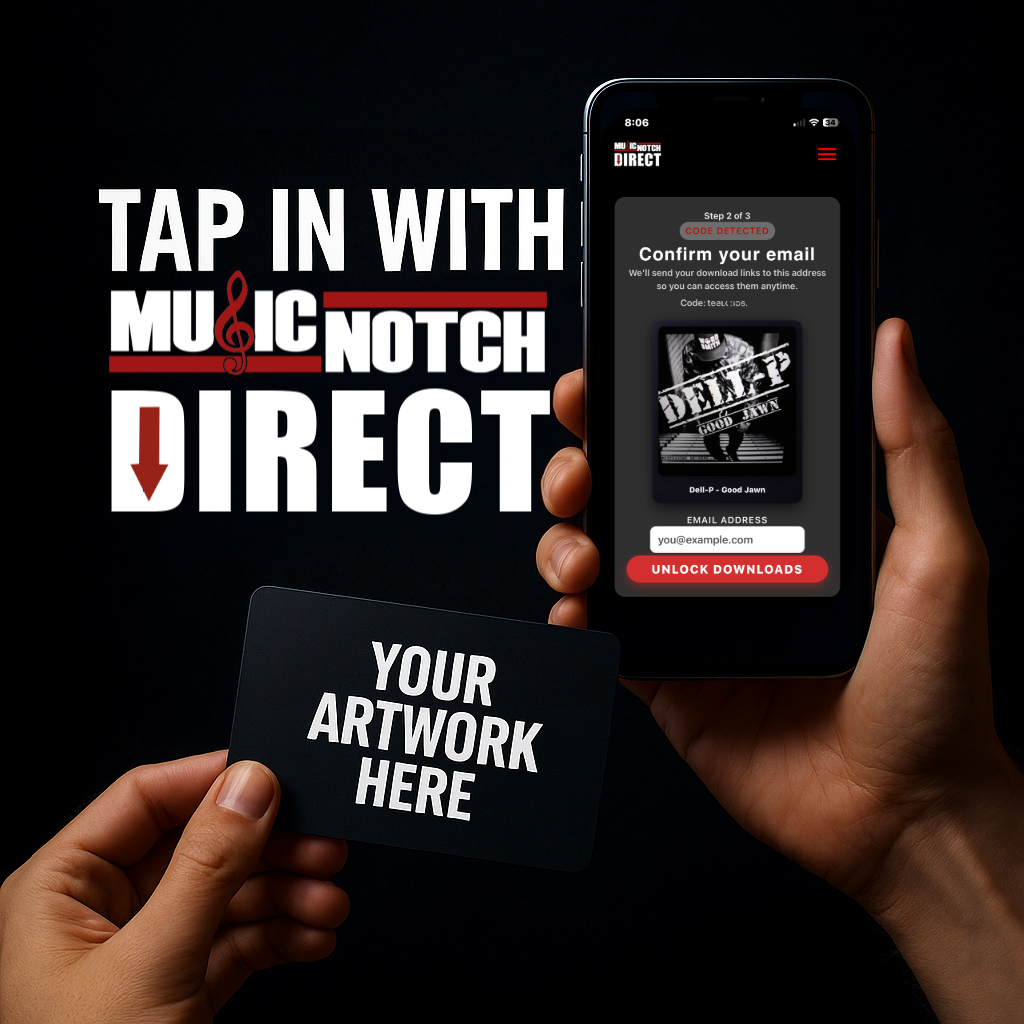
Musicnotch Direct Download Cards let you give fans a physical card they can tap with their phone to instantly unlock your music. Each card is fully customized with your artwork or design and linked to your release through Musicnotch.
Whether you’re selling at shows, running a promo campaign, or giving VIP fans something special, these cards make your music feel real, collectible, and easy to access.
For Artists: How It Works
Order Your Custom NFC Cards
Go to our MN Download Cards collection and choose the quantity you need (100, 250, 500, etc.). Complete your purchase using your Musicnotch account email. Your order unlocks access to the Musicnotch Direct artist upload system.
Submit Your Release
Log in to your Musicnotch account and go to Submit Release. Upload your cover art and audio file(s), add your release details, set your price, enter your PayPal email for payouts, and choose how many NFC cards from your balance will be assigned to this release.
We Review & Program The Cards
Our team reviews your release, generates unique NFC codes for every card, links those codes to your digital download page, and prepares your artwork for printing on a matte-black CR80 card (credit-card size).
You Sell or Distribute Your Cards
Once your cards are printed, you can sell or distribute them at shows, pop-ups, events, online, or hand-to-hand. Every tap that leads to a purchase or download is tied to your product.
You Get Paid
For sales made through Musicnotch Direct, you earn 97% of the sale price. Payouts are sent to your PayPal email. You can track your releases and NFC codes from your My Submissions dashboard.
For Fans: What It Looks Like
- A fan gets your Musicnotch Direct NFC card.
- They tap the card on the back of their NFC-enabled smartphone (iPhone or Android).
- Their phone opens a secure page with your release on Musicnotch.
- They can stream, download, or purchase your music (depending on how you set it up).
No apps to install. No long URLs to type. Just tap → open → listen.
What’s Included With Each Card Order
- Custom printed matte-black NFC cards
- Tap-to-download setup for your release
- Unique NFC codes assigned to your product
- Access to your Artist Upload form & My Submissions dashboard
- 97% artist payout on qualifying sales through Musicnotch Direct
What You Need to Get Started
- A Musicnotch account
- Final audio file(s) (WAV or high-quality MP3)
- Square cover art (2000×2000px or higher recommended)
- A PayPal email to receive payouts
FAQ
Does this work on all phones?
Most modern smartphones (iPhone and Android) have NFC built in. iPhones usually tap at the top/back of the device; many Android phones read NFC in the center or lower back area.
Can fans still access my music if they lose the card?
Yes. You can also share a download or streaming link (or QR code) alongside the card if you’d like. The NFC card is a premium, physical way to access that same experience.
Can I use multiple songs or an entire album?
Yes. You can link your NFC cards to a single, an EP, or a full album — as long as that release is set up as a product in Musicnotch Direct.
Can I reorder more cards for the same release?
Yes. Place another card order and assign the new cards to your existing product through your Submit Release / My Submissions tools.
Ready to Put Your Music on NFC Cards?
Turn your next release into a physical experience your fans can tap, keep, and share.